Understanding Smart Home Integration and Compatibility
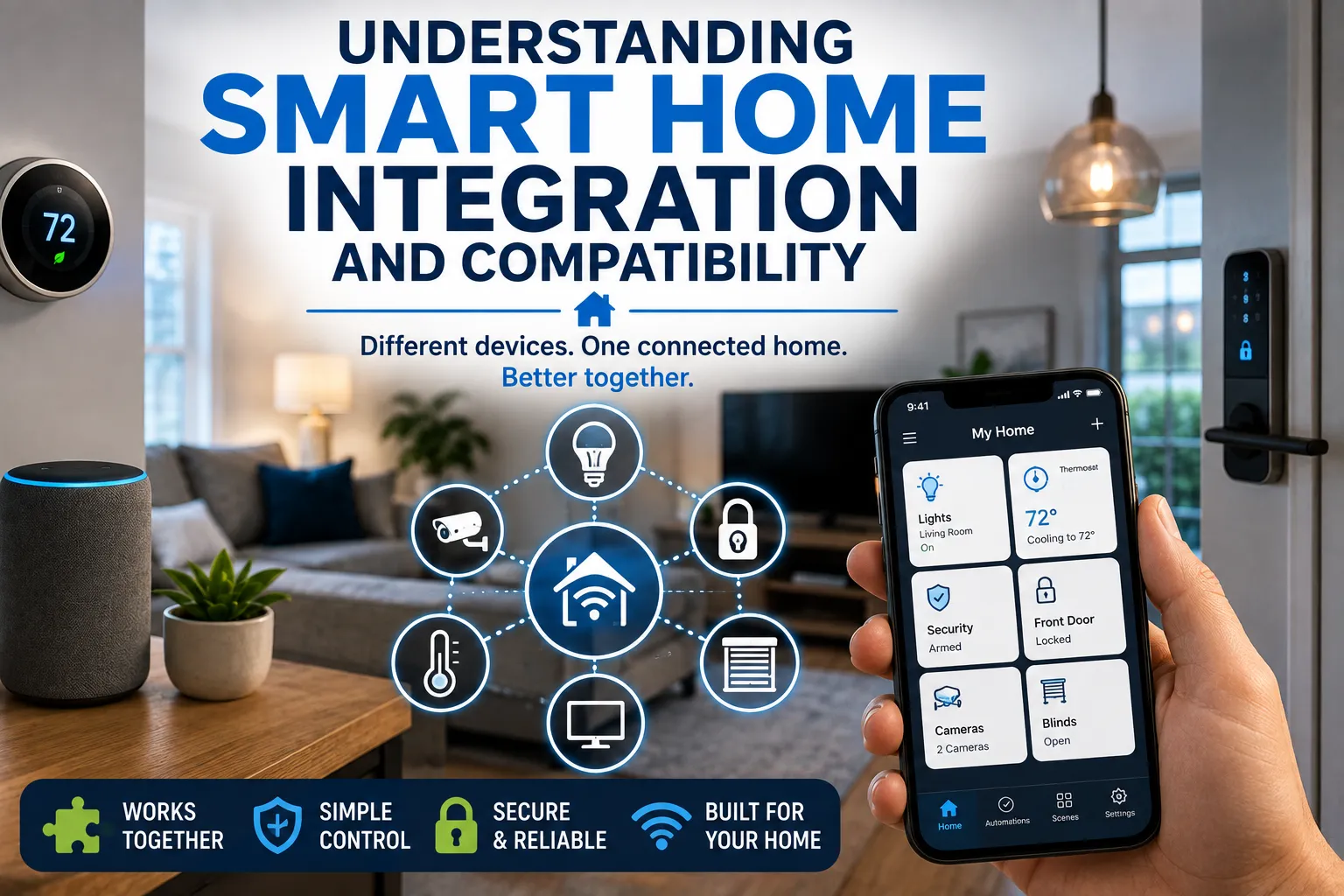
Understanding Smart Home Integration and Compatibility
Smart home technology has moved well beyond individual connected gadgets.
A smart bulb can be controlled from a phone. A smart thermostat can adjust the temperature automatically. A video doorbell can send alerts when someone approaches the house. A smart speaker can control multiple devices with a voice command.
The real potential of a smart home, however, comes from getting different devices and services to work together.
That is where smart home integration and compatibility become important.
Buying several smart products does not automatically create a connected home. Devices may use different communication technologies, require separate apps, support different platforms or have limitations that prevent them from working together.
Understanding compatibility before buying can help homeowners build a smart home that is easier to use, more reliable and less frustrating to maintain.
For a broader overview of how connected-home technologies fit together, see The Complete Guide to Smart Homes.
What Is Smart Home Integration?
Smart home integration is the process of connecting different smart devices, platforms and services so they can operate together.
Instead of controlling every device separately, integration allows multiple products to participate in shared routines or automation.
For example, a homeowner might create a “Good Night” routine that:
- Turns off selected lights
- Locks compatible doors
- Adjusts the thermostat
- Closes smart blinds
- Activates a security system
- Turns off entertainment equipment
The user can potentially trigger the entire routine with one command.
The individual devices still perform their own functions, but integration allows them to become part of a larger system.
What Does Compatibility Mean?
Compatibility refers to whether two or more devices, platforms or services can work together as intended.
Two products may both be described as “smart home devices” without actually being compatible.
For example, a smart light may work with one voice assistant but not another. A security camera may require its manufacturer’s app and offer limited integration with third-party systems.
Compatibility can therefore exist at several levels.
A device might be:
- Compatible with your home Wi-Fi network
- Compatible with a particular smartphone
- Compatible with a voice assistant
- Compatible with a smart home platform
- Compatible with a particular communication protocol
- Compatible with specific automation features
Checking all of these factors can prevent unpleasant surprises after purchase.
Why Smart Home Compatibility Can Be Complicated
The smart home industry has developed through many different companies and technologies.
Manufacturers have created their own ecosystems, applications and communication methods. Some devices are designed primarily to work within one brand’s product family, while others are intended to connect across platforms.
As a result, two devices that appear similar on a store shelf can have very different integration capabilities.
The complexity becomes greater when a homeowner combines products purchased at different times.
A house might contain smart bulbs from one manufacturer, a thermostat from another, cameras from a third company and a voice assistant from a fourth.
Each product may work perfectly on its own while creating a complicated overall system.
Smart Home Ecosystems
A smart home ecosystem is a collection of compatible devices and services that can be managed through a common platform.
Major technology companies have developed ecosystems that allow compatible products from multiple manufacturers to work together.
Examples include platforms built around:
- Apple Home
- Google Home
- Amazon Alexa
- Samsung SmartThings
The exact capabilities of each platform can change over time, and individual devices may support some features but not others.
Choosing an ecosystem early can therefore make it easier to determine which products to buy later.
Why Choosing a Primary Platform Helps
You do not necessarily have to use only one manufacturer’s products.
However, selecting a primary smart home platform can simplify your setup.
For example, if most of your devices work with the same platform, you may be able to control them from a common application and create shared routines.
This can reduce the number of apps you need to use.
It also makes it easier to understand how devices interact.
Before purchasing a new product, ask:
Does this device work with the smart home platform I already use?
If it does, check whether it supports the specific features you want rather than assuming that basic compatibility means every function will work.
What Is Matter?
One of the most important developments in smart home compatibility is Matter, an industry-backed smart home connectivity standard designed to improve interoperability between compatible devices and platforms.
Matter is intended to make it easier for supported smart home products to work across different ecosystems.
Instead of buying a device specifically for one platform, consumers may increasingly be able to choose products that support Matter and use them across compatible smart home systems.
This does not mean that every Matter device automatically supports every possible feature on every platform.
Manufacturers and platforms can still implement different capabilities.
But Matter is an important step toward reducing some of the fragmentation that has historically made smart homes difficult to build.
Matter Does Not Replace Every Other Technology
It is important not to think of Matter as a universal replacement for all smart home technologies.
A device can use a particular wireless communication technology to connect with your network or another device while also supporting Matter at the application level.
Common technologies associated with smart homes include:
- Wi-Fi
- Bluetooth
- Thread
- Zigbee
- Z-Wave
- Ethernet
These technologies serve different purposes.
A device’s packaging may therefore mention both a connectivity technology and compatibility with a smart home platform or standard.
Understanding the difference can make product specifications easier to interpret.
Wi-Fi Smart Home Devices
Wi-Fi is one of the most familiar technologies used in smart homes.
Many smart cameras, appliances, speakers, plugs and other products connect directly to a home’s Wi-Fi network.
The advantage is convenience.
Most homes already have Wi-Fi, so users do not necessarily need another dedicated wireless network for basic connectivity.
However, adding many Wi-Fi devices can increase demands on the home network.
This is particularly important for products such as cameras that continuously transmit large amounts of data.
For a deeper explanation of how Wi-Fi, Thread, Ethernet, Matter and other technologies interact, see Smart Home Protocols Explained: Matter, Thread, Wi-Fi & More.
Bluetooth Has a Different Role
Bluetooth is commonly used for short-range communication.
Some smart devices use Bluetooth for initial setup, local control or communication with nearby devices.
Bluetooth can be useful because it generally requires relatively little power, making it suitable for certain battery-powered products.
However, Bluetooth alone does not necessarily provide the same whole-home connectivity as a technology designed specifically for smart home networking.
Always check how a device actually communicates before assuming Bluetooth means it can be controlled remotely from anywhere.
Thread Is Designed for Connected Homes
Thread is a low-power wireless networking technology designed for connected devices.
It is particularly relevant to battery-powered smart home products such as sensors, locks and other devices that need efficient communication.
Thread networks can also be designed to support multiple connected devices without relying on every device communicating directly with a Wi-Fi router.
Its role in the smart home ecosystem has become increasingly important alongside Matter.
However, homeowners should distinguish between Thread support and Matter support.
They are related but not identical.
Zigbee and Z-Wave Remain Relevant
Zigbee and Z-Wave have been used in smart home products for many years.
Both are designed for low-power device communication and can support networks containing numerous smart home devices.
They can be particularly useful for sensors, switches, lighting and other home automation products.
The downside for newcomers is that these technologies may require a compatible hub or controller.
That adds another component to the smart home.
It is not necessarily a disadvantage, but it is something to consider when comparing systems.
What Is a Smart Home Hub?
A smart home hub acts as a central controller or bridge for compatible devices.
Depending on the system, a hub can help devices communicate with each other, connect different technologies and provide automation capabilities.
Some smart speakers and home controllers include hub functionality, while other systems require a separate device.
A hub can be useful when a homeowner has many devices or wants to use technologies that do not connect directly to the home’s Wi-Fi network.
However, adding a hub also creates another piece of hardware that needs to be configured, updated and maintained.
Homeowners who want to understand the role of these controllers in greater depth can read the Complete Guide to Smart Home Hubs.
Hub-Based vs. Hub-Free Systems
A hub-free system can be attractive because it is simple to set up.
You buy the device, connect it to your network and configure it through an application.
This approach works particularly well for smaller smart homes.
Hub-based systems can provide more advanced automation and broader compatibility with certain device types.
The right choice depends on the size and complexity of the home.
Someone with three smart bulbs and a smart speaker may not need a dedicated automation hub.
A homeowner with dozens of sensors, switches, locks and lighting devices may benefit from a more structured system.
Check the Fine Print Before Buying
Product packaging often includes several compatibility logos.
Do not assume that seeing the name of a smart home platform means every feature will work.
For example, a device may support basic control through a platform but not expose advanced features such as energy monitoring, camera controls or complex automation.
Look for specific statements about:
- Supported platforms
- Supported protocols
- Required hubs
- Voice assistant compatibility
- Matter support
- Thread support
- Required subscriptions
- Internet requirements
- Local control
- Automation capabilities
The manufacturer’s technical documentation is often more useful than a short product description.
Understand Platform-Specific Features
Two devices can both be compatible with the same smart home platform while offering different functionality.
One smart light may support brightness and color control.
Another may support only on/off commands.
Similarly, two smart cameras may both appear in the same smart home application while offering different notification, recording or automation capabilities.
Compatibility therefore has two dimensions:
Can the devices connect?
And:
What can they actually do once connected?
The second question is often more important.
Local Control vs. Cloud Control
Another important consideration is where the processing takes place.
Some smart home devices depend heavily on cloud services.
When you issue a command, the request may travel from your phone to the manufacturer’s servers and back to the device.
Other systems can perform certain functions locally within the home.
Local control can provide advantages such as faster response and continued operation when internet access is unavailable, depending on the device and system.
Cloud services can provide convenient remote access and advanced functionality.
Neither approach is automatically better for every product.
The important thing is understanding what happens if your internet connection goes down.
What Happens When the Internet Stops Working?
A smart home should ideally fail gracefully.
If the internet goes down, some devices may continue functioning locally, while others may lose remote control or automation features.
A smart light connected directly to a physical wall switch may still operate manually.
A cloud-dependent security camera may lose remote access.
A smart lock may have local authentication methods that continue working, depending on its design.
Before buying important devices, ask:
What can this product still do without an internet connection?
This question is particularly important for security systems, locks, thermostats and other essential equipment.
Smart Home Security Matters
Every connected device can potentially become part of your home’s digital attack surface.
Security should therefore be considered alongside compatibility.
Basic precautions include:
- Use strong, unique passwords
- Enable multifactor authentication where available
- Keep device firmware updated
- Secure your home Wi-Fi network
- Remove devices you no longer use
- Review account permissions
- Buy products from manufacturers that provide ongoing security support
A device that integrates beautifully but receives poor security updates may not be a wise long-term purchase.
For a more detailed look at protecting connected devices and accounts, see the Smart Home Security Guide.
Privacy Is Part of Compatibility
Smart devices can collect substantial amounts of information.
Cameras can capture video. Voice assistants may process spoken commands. Smart thermostats can reveal patterns about when people are home. Sensors can record movement and environmental information.
Before connecting a device to your home, consider:
- What information does it collect?
- Where is the data stored?
- Is it processed locally or in the cloud?
- How long is it retained?
- Can you delete it?
- Who can access it?
- Does the device require an account?
The more connected your home becomes, the more important data management becomes.
Smart Home Routines Create the Real Value
Individual devices can be useful, but automation is where integration becomes particularly powerful.
A morning routine might:
- Gradually increase bedroom lighting.
- Adjust the thermostat.
- Open compatible blinds.
- Start a coffee machine.
- Provide a weather update.
A leaving-home routine might:
- Turn off selected lights.
- Adjust the thermostat.
- Lock compatible doors.
- Arm the security system.
- Turn off selected appliances.
These routines reduce the number of individual commands people need to make.
The technology becomes useful not because every object is smart, but because the objects work together around a person’s routine.
Sensors Make Automation More Intelligent
Smart home automation becomes more powerful when devices can respond to conditions rather than fixed schedules.
Motion sensors can detect occupancy.
Door sensors can detect when an entrance opens.
Temperature sensors can identify changes in different rooms.
Light sensors can detect brightness.
Water-leak sensors can identify potential plumbing problems.
These sensors can trigger actions automatically.
For example, a hallway light could turn on when movement is detected at night.
A leak sensor could send an alert when water is detected.
A thermostat could respond to occupancy information.
This type of automation can make the smart home feel more responsive.
Compatibility Is Especially Important for Security Devices
Security products deserve extra attention because homeowners depend on them when they may not be present.
Before buying cameras, locks, alarms or sensors, determine whether they can work together.
For example, you may want a door sensor to trigger a camera recording or a security system to activate specific lights.
Not every platform allows every type of cross-device automation.
Some manufacturers deliberately restrict integration to their own products.
That can be convenient within an ecosystem but limiting if you later want to add products from another manufacturer.
Think About Future Expansion
A smart home is rarely completed in one purchase.
You might start with a smart speaker and two lights, then add a thermostat, doorbell, sensors and smart appliances later.
That means today’s compatibility decision can affect tomorrow’s options.
Before choosing a platform, consider the types of products you may want in the future.
Ask whether the ecosystem supports:
- Lighting
- Security
- Climate control
- Entertainment
- Appliances
- Energy monitoring
- Door locks
- Sensors
- Irrigation
- Window coverings
You do not need to buy everything at once.
But choosing a flexible foundation can prevent expensive replacements later.
Avoid Building an Ecosystem Around One Product
A common mistake is buying a smart device because it is excellent in isolation without considering the rest of the home.
For example, you might purchase a smart lock that works beautifully but has limited compatibility with your preferred automation platform.
Replacing it later can be expensive.
Instead, think of the home as a system.
Before buying a major smart device, ask how it fits into the devices you already own and the products you may eventually want.
The Cheapest Device Is Not Always the Best Value
Smart home products can be inexpensive, but very cheap devices may come with compromises.
Potential issues include:
- Limited software support
- Poor security
- Unreliable connectivity
- Weak applications
- Few integration options
- Required subscriptions
- Frequent disconnections
- Lack of replacement parts
A slightly more expensive device from a manufacturer with a strong ecosystem and long-term support can be better value over several years.
The goal is not to buy the most expensive product.
It is to avoid building your home around products that may become obsolete or unsupported quickly.
Avoid Unnecessary Subscriptions
Some smart home products require subscriptions for advanced features.
Security cameras are a common example. A device may provide live viewing for free but charge for cloud recording, advanced detection or extended video history.
Before buying, calculate the long-term cost.
A product that costs $100 initially may become significantly more expensive if it requires a monthly service fee.
Subscriptions are not inherently bad, particularly when they pay for ongoing cloud storage and services.
But homeowners should know what they are committing to.
Smart Home Compatibility Can Save Money
Good integration can also reduce unnecessary purchases.
If existing devices can communicate effectively, you may not need separate sensors, hubs or controllers for every function.
A motion sensor already installed for security might also trigger hallway lighting.
A smart thermostat might use compatible occupancy information.
A voice assistant may control several devices through one interface.
Integration allows individual components to perform multiple roles.
That can make a smart home both more useful and more economical.
Plan Your Smart Home in Layers
A practical way to build a connected home is to approach it in stages.
Start with the network
Make sure your Wi-Fi coverage is reliable.
Choose your primary platform
Decide which ecosystem will serve as the main control environment.
Add simple devices
Smart bulbs, plugs or speakers can provide an easy introduction.
Add sensors
Motion, temperature, door and leak sensors can expand automation.
Add major systems
Thermostats, security equipment, locks and appliances can be integrated as needed.
Build routines
Once the individual devices work reliably, create useful automations.
This staged approach makes troubleshooting easier than installing dozens of devices simultaneously.
Test Before Expanding
When introducing a new smart device, use it for a while before purchasing several more.
Check:
- Connection reliability
- App quality
- Automation performance
- Battery life
- Voice control
- Notifications
- Software updates
- Privacy settings
- Compatibility with existing devices
If the first product performs poorly, you can change direction before committing to an entire ecosystem.
Think About What Happens When a Company Changes Its Strategy
Smart home technology depends heavily on software.
A manufacturer can discontinue an application, change a subscription model, stop supporting older hardware or shut down a cloud service.
That creates a long-term risk that does not exist to the same degree with traditional household products.
Before investing heavily in a proprietary ecosystem, consider the company’s track record and the degree to which the device supports broader standards.
Interoperability can make it easier to replace one component without rebuilding the entire home.
Standards Can Make Smart Homes More Flexible
The broader smart home industry is increasingly moving toward standards designed to improve interoperability.
Matter is one of the most visible examples.
Its significance is not that it eliminates every compatibility problem. Instead, it provides a common framework that can make it easier for supported products to operate across participating platforms.
For consumers, broader standards can reduce dependence on a single ecosystem.
That can make future purchasing decisions easier.
However, compatibility should still be checked at the individual product level because support and available features can vary.
Smart Home Integration Should Solve Real Problems
It is easy to become fascinated by technology simply because it is new.
But the best smart home is not necessarily the one with the largest number of devices.
A home containing 50 connected gadgets can be more frustrating than a home containing 10 well-integrated ones.
Before adding a device, ask:
What problem will this solve?
Perhaps it will reduce energy consumption, improve security, make lighting more convenient or help someone with limited mobility control the home.
If the answer is unclear, the device may not be necessary.
Build Around Everyday Routines
The most useful smart home automations are often surprisingly ordinary.
Lights that turn on when someone enters a room.
A thermostat that adjusts when the house is empty.
A door lock that automatically locks at night.
A leak sensor that sends an alert when water is detected.
A bedtime routine that prepares the house for sleep.
These features may not look impressive in a product advertisement, but they can provide genuine everyday value.
Good automation should reduce friction rather than create more technology to manage.
The Connected Home Is Becoming More Interoperable
Smart home technology is moving toward a model in which consumers can combine products from more manufacturers without worrying as much about whether everything belongs to the same ecosystem.
Standards such as Matter are contributing to that shift, while technologies such as Thread, Wi-Fi and other networking methods continue to serve different roles within connected homes.
But compatibility remains something consumers need to evaluate.
A logo on a box is not a guarantee that every feature will work exactly as expected.
The smartest approach is to check platform compatibility, communication technology, required hubs, subscriptions, local-control capabilities, security support and future expansion options before buying.
Building a Smart Home That Works Together
Smart home technology is most valuable when individual devices stop behaving like isolated gadgets and start functioning as parts of a coordinated system.
That requires more than simply purchasing products labeled “smart.”
Homeowners need to think about platforms, standards, networks, privacy, security and long-term support. They also need to consider how new devices will interact with equipment they already own.
The goal should not be to make every object in the house connected.
It should be to create a home where the right devices communicate reliably, useful routines happen automatically and technology makes everyday life simpler rather than more complicated.
A little planning before the first purchase can make the difference between a collection of smart gadgets and a genuinely integrated smart home.