How Smart Home Firmware Updates Work
How Smart Home Firmware Updates Work
Smart home devices may look simple from the outside, but many of them rely on sophisticated software to operate. From smart thermostats and security cameras to connected locks, lighting systems, speakers, and appliances, these products use firmware to control how their hardware behaves.
Firmware updates are an important part of keeping these devices functional, secure, and compatible with changing technologies. An update can fix a security vulnerability, improve reliability, add a feature, resolve a connectivity problem, or prepare a device to work with other components in a connected home.
Understanding how smart home firmware updates work can help homeowners maintain their devices without treating every update as a mysterious background process.
What Is Smart Home Firmware?
Firmware is specialized software stored on a device’s hardware that tells the device how to perform its core functions.
Unlike an ordinary smartphone application that can be installed and removed relatively easily, firmware is closely tied to the physical device. It may control functions such as:
- How a smart thermostat reads temperature sensors
- How a smart lock communicates with a hub or phone
- How a security camera processes video
- How smart lights respond to commands
- How a speaker connects to wireless networks
- How an appliance responds to automation commands
Firmware sits between the physical hardware and higher-level software. A companion mobile app may provide the interface that homeowners interact with, while the firmware handles many of the device’s underlying operations.
For homeowners building or expanding a connected environment, understanding these software layers is an important part of The Complete Guide to Smart Homes.
Why Do Smart Home Devices Need Firmware Updates?
Manufacturers release firmware updates for several reasons. Not every update introduces a visible new feature. Some of the most important changes may happen behind the scenes.
Security Improvements
Connected devices can become targets for unauthorized access when vulnerabilities are discovered. Firmware updates can patch weaknesses that manufacturers identify after a product has already reached consumers.
Security updates can address issues involving authentication, network communication, encryption, device permissions, or other components of the device’s software.
Because smart home products may have access to cameras, doors, alarms, household networks, or personal information, keeping their firmware current can be an important part of maintaining home security.
Bug Fixes
Firmware can contain programming errors that are not discovered until a device has been used in many different environments.
An update may fix problems such as:
- Unexpected device restarts
- Connection failures
- Sensor inaccuracies
- Automation errors
- Delayed responses
- Battery-management problems
- Compatibility issues
These fixes can make a device more reliable without changing the way it looks or feels to the homeowner.
New Features
Some firmware updates introduce functionality that was not available when the device was purchased.
A manufacturer might add a new automation option, improve voice-control support, introduce additional device settings, or expand compatibility with another smart home platform.
However, not every hardware product can support every new feature. Firmware cannot overcome physical limitations that are built into a device.
Performance Improvements
Manufacturers can sometimes improve how efficiently a device uses its processor, memory, wireless connection, or battery.
For example, an update might reduce unnecessary network activity or improve how a battery-powered sensor enters low-power modes.
The result may simply be a device that feels more responsive or operates more consistently.
How a Firmware Update Reaches a Smart Home Device
Most modern smart home devices receive firmware updates over a network connection. This is commonly called an over-the-air, or OTA, update.
The basic process usually looks like this:
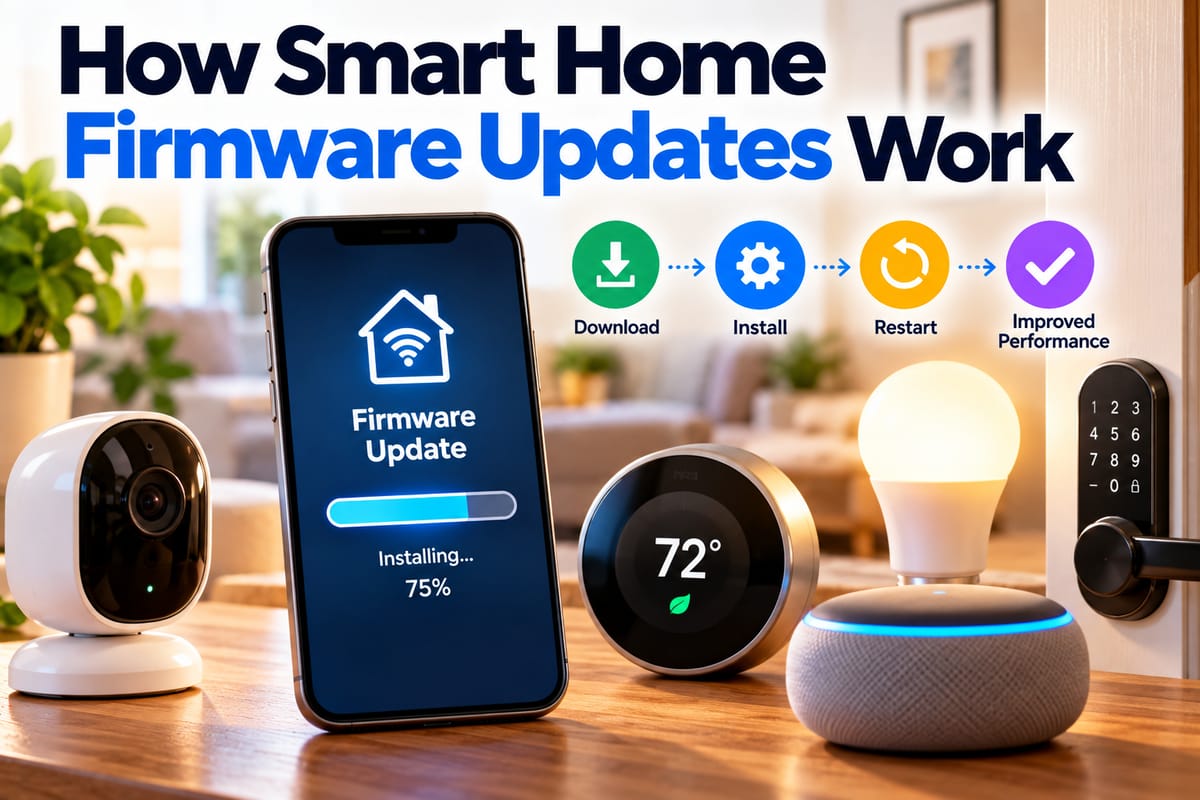
Manufacturer releases update → device checks for update → update is downloaded → device verifies package → firmware is installed → device restarts or reinitializes → installation is confirmed
The exact process varies between manufacturers and product categories.
Some devices check automatically at regular intervals. Others rely on a companion smartphone application or smart home hub to identify available updates.
Step 1: The Manufacturer Develops the Update
Firmware development usually begins when a manufacturer needs to address a specific problem or introduce an improvement.
Engineers may modify the device’s firmware and test the new version against supported hardware configurations.
Before an update reaches customers, it may go through testing designed to identify problems involving:
- Hardware compatibility
- Wireless connectivity
- Power consumption
- Device stability
- Security
- Existing configurations
- Communication with companion applications
- Integration with other smart home platforms
Manufacturers may also release different firmware versions for different hardware revisions of what appears to be the same product.
Step 2: The Update Is Digitally Signed or Verified
Security is particularly important during firmware distribution because installing unauthorized software could compromise a device.
Many modern systems use cryptographic verification to determine whether firmware came from an authorized source and whether the update has been altered.
A device may verify information such as:
- The identity of the software publisher
- The integrity of the downloaded file
- Whether the firmware is intended for that device
- Whether the version can be installed safely
This helps prevent an attacker from simply replacing a legitimate update with malicious software.
Step 3: The Device Checks for the Update
A connected device may periodically communicate with a manufacturer’s update service.
The device can report information such as its model and current firmware version. The update service can then determine whether a newer compatible release exists.
In other systems, the mobile app performs much of this work. The app may notify the homeowner that an update is available and provide an option to begin the process.
The frequency of these checks depends on the product and manufacturer.
Step 4: The Firmware Is Downloaded
Once an update is approved, the device or companion application downloads the firmware package.
This may happen automatically in the background, or the homeowner may need to initiate the update.
The download process can depend on:
- Internet speed
- Wi-Fi signal quality
- File size
- Device storage
- Manufacturer servers
- Battery level
Battery-powered devices may require a minimum battery level before accepting an update. Some products may also recommend connecting the device to external power.
Step 5: The Device Verifies the Package
Downloading a file does not necessarily mean it is ready to install.
The device may perform additional checks to confirm that the firmware is valid. These checks can help identify incomplete downloads, corrupted files, incompatible versions, or unauthorized software.
This verification stage is one reason homeowners should avoid interrupting an update once installation has begun.
Step 6: The New Firmware Is Installed
After verification, the device writes the new firmware to its storage.
Some devices use a system that keeps the existing firmware available while the new version is installed. This can make it possible to recover if something goes wrong.
More advanced update systems may use two firmware partitions, sometimes described as an active and inactive slot. The new firmware can be written to the inactive area and tested before the device switches over.
Not every smart home product uses this approach, however.
Step 7: The Device Restarts
A firmware update often requires the device to restart.
During this stage, the device may temporarily disappear from the smart home network. Lights might stop responding, a camera may briefly go offline, or a thermostat may display a restart screen.
This is normally expected during an update.
The amount of downtime depends on the device and the complexity of the firmware installation.
Step 8: The Device Confirms the Update
After restarting, the device can verify that the new firmware is functioning correctly.
It may report its new firmware version to the manufacturer’s service or companion app.
If the update succeeds, the device returns to normal operation. If the system detects a problem, recovery mechanisms may attempt to restore the previous firmware.
What Happens to Smart Home Settings During an Update?
One common concern is whether a firmware update will erase existing settings.
In many cases, ordinary configuration information is preserved. That can include things such as:
- Device names
- Room assignments
- Wi-Fi credentials
- Automation settings
- User preferences
- Connected accounts
However, the behavior varies by manufacturer and update type.
A major firmware upgrade can sometimes require a device to be reconfigured. A failed update may also create a situation where a device needs to be reset.
For this reason, it is useful to know how your devices are configured before performing significant updates.
Why Firmware Updates Can Affect Smart Home Compatibility
Smart homes rarely consist of devices from a single manufacturer. A household might have smart lights from one company, a thermostat from another, a security system from a third, and a voice assistant from another platform.
Firmware changes can therefore affect how devices communicate.
An update might improve compatibility with another platform, change the way an integration works, or require a companion app to be updated as well.
This makes Understanding Smart Home Integration and Compatibility particularly useful when troubleshooting connected devices after software changes.
Automatic vs. Manual Firmware Updates
Manufacturers generally use one of two broad approaches.
Automatic Updates
With automatic updates, the device or companion platform installs firmware without requiring the homeowner to manually download a file.
Advantages can include:
- Faster security patching
- Less maintenance
- Reduced risk of forgetting important updates
- Consistent software versions across supported devices
The drawback is that an update may occur at an inconvenient time.
A smart speaker updating overnight may be barely noticeable, while an update to a security camera, smart lock, or home automation hub could temporarily affect its availability.
Manual Updates
Manual updates require the homeowner to initiate the process.
This provides more control over when maintenance occurs. It can be useful when a household depends heavily on a particular device and wants to choose an appropriate time for downtime.
However, manual updates also create the possibility that important security fixes will be delayed.
How Firmware Updates Affect Smart Locks and Security Devices
Firmware maintenance can be especially important for devices that control physical access or monitor a property.
Smart locks, security cameras, alarm systems, video doorbells, and similar products may process sensitive information or interact directly with home security systems.
A firmware update could improve authentication, correct a security vulnerability, improve connectivity, or fix a problem affecting alerts.
Homeowners should also consider firmware maintenance as part of a broader security strategy. For additional practical guidance, see How to Secure Connected Smart Home Devices After Installing Them.
What Can Go Wrong During a Firmware Update?
Firmware updates are designed to be reliable, but problems can still occur.
Common issues include:
Interrupted Power
If a device loses power while firmware is being written, the installation can potentially fail.
This is particularly important for devices that should remain powered during the update process.
Unstable Internet
An unreliable connection can interrupt the download before the installation begins. Many devices are designed to detect incomplete downloads, but connection problems can still cause the update process to fail or restart.
Insufficient Storage
Some devices have limited storage. An update may require additional temporary space while the new firmware is installed.
Incompatible Firmware
Installing firmware intended for a different hardware revision can cause serious problems. This is one reason users should rely on the manufacturer’s official update mechanism rather than attempting to install random firmware files.
Device or Server Problems
Sometimes the problem is not inside the home at all. Manufacturer servers, cloud services, companion applications, or update infrastructure can experience temporary issues.
Should You Interrupt a Firmware Update?
Generally, homeowners should avoid interrupting an update once installation has started unless the manufacturer’s instructions specifically tell them to do so.
Before starting an update, it is sensible to:
- Check that the device has sufficient power.
- Make sure the network connection is stable.
- Avoid restarting or unplugging the device.
- Keep the companion application open if the manufacturer requires it.
- Follow the manufacturer’s instructions for the specific model.
The most important distinction is between downloading an update and installing it. A failed download can often be restarted safely. Interrupting firmware installation can potentially create more serious problems.
Firmware Updates Are Part of Smart Home Maintenance
Firmware management should not be treated as a one-time task. Connected devices continue to receive security fixes, bug patches, compatibility changes, and feature improvements throughout their supported lifespan.
Regular maintenance can include:
- Checking for available firmware updates
- Reviewing automatic-update settings
- Replacing unsupported devices
- Updating companion mobile applications
- Checking network connectivity
- Removing devices that are no longer used
- Reviewing device permissions
- Monitoring manufacturer support announcements
These activities fit naturally into a broader Smart Home Maintenance Guide, especially as the number of connected products in a household increases.
How Long Do Smart Home Devices Receive Firmware Updates?
There is no universal support period for every smart home product.
Some manufacturers provide updates for many years, while others may support devices for a shorter period. The expected support window can depend on the product category, hardware capabilities, manufacturer policies, and business model.
Before purchasing a connected product, it can be useful to investigate:
- How long the manufacturer promises security support
- How frequently updates have historically been released
- Whether updates are automatic
- What happens when cloud support ends
- Whether the device can continue operating locally
- Whether the manufacturer provides end-of-life notices
A device that works perfectly today can become less useful if it eventually stops receiving security updates or loses compatibility with important platforms.
Why Firmware Support Matters When Buying Smart Home Devices
The purchase price is only one part of the long-term cost of a connected device.
A less expensive product may become problematic if the manufacturer provides limited software support. A more expensive product may remain useful longer if it receives regular security and compatibility updates.
This makes firmware support an important consideration alongside hardware quality, connectivity, privacy controls, platform compatibility, and repairability.
The best smart home experience is not simply about adding more connected devices. It is about maintaining an ecosystem in which hardware, firmware, apps, networks, and cloud services continue working together over time.
A Simple Firmware Update Checklist
Before updating a smart home device, homeowners can use this quick checklist:
- Check the device: Confirm the correct model and hardware version.
- Check the power: Make sure the device has adequate power or battery charge.
- Check the network: Use a stable internet or local network connection.
- Check the update: Confirm that it comes through the manufacturer’s official system.
- Check your settings: Know how the device is currently configured.
- Start the update: Follow the manufacturer’s instructions.
- Don’t interrupt installation: Allow the device enough time to restart.
- Verify operation: Test important functions afterward.
- Check integrations: Make sure connected automations and platforms still work.
Firmware Is the Quiet Software Layer Behind the Smart Home
Firmware rarely receives the attention given to smartphone apps or flashy smart home features, but it plays a central role in making connected devices work.
Every update represents a change to the software layer that controls a piece of physical hardware. When handled properly, those changes can improve security, reliability, compatibility, performance, and functionality without requiring homeowners to replace the device.
As smart homes become increasingly interconnected, understanding firmware updates also becomes part of responsible device ownership. Keeping software current, paying attention to support policies, and maintaining the wider connected ecosystem can help ensure that smart home technology remains useful long after the initial installation.