How to Organize Personal Appointments
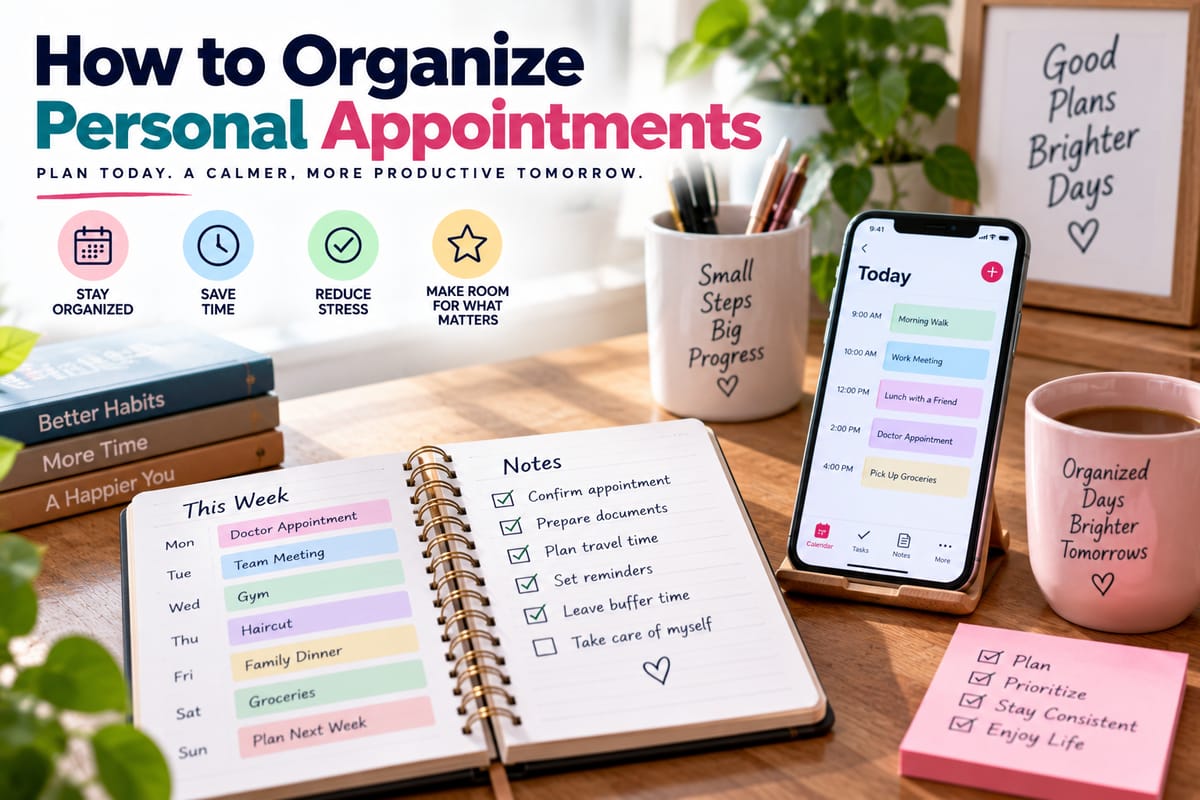
How to Organize Personal Appointments
Personal appointments can quickly become difficult to manage when they are spread across different days, times, locations, and responsibilities. Medical visits, haircuts, banking appointments, school meetings, vehicle servicing, social commitments, consultations, and other scheduled activities can all compete for limited time.
Without a reliable system, it is easy to forget an appointment, double-book a time slot, arrive late, or spend unnecessary time trying to remember what is happening next.
Organizing appointments does not require a complicated system. A consistent calendar, realistic scheduling habits, reminders, and a clear understanding of priorities can make personal scheduling much easier.
Start With One Main Calendar
One of the simplest ways to organize appointments is to keep them in one primary calendar.
This can be a digital calendar on a phone or computer, a physical planner, or a combination of tools that are carefully synchronized.
The important part is knowing which calendar represents the most accurate version of the schedule.
Using several separate calendars without regularly updating them can create confusion. An appointment recorded in one place may be forgotten when scheduling another commitment elsewhere.
A central calendar provides a single reference point for upcoming obligations.
Record Appointments Immediately
Whenever an appointment is scheduled, add it to the calendar as soon as possible.
Avoid relying on memory with the intention of entering it later. Even a short delay can lead to forgotten details or scheduling conflicts.
A useful appointment entry should include:
- Date
- Start time
- Expected duration
- Location
- Purpose
- Contact information when relevant
- Preparation requirements
- Travel time
- Follow-up tasks
Adding these details when the appointment is created reduces the need to search for information later.
Include the Appointment Duration
Knowing when an appointment starts is not always enough.
A meeting scheduled for 2 p.m. might last 30 minutes, an hour, or several hours. Without an estimated duration, it becomes difficult to determine whether another commitment can reasonably fit afterward.
When the expected duration is uncertain, leave additional time rather than scheduling another appointment immediately afterward.
This creates flexibility when an appointment runs longer than expected.
Schedule Travel Time Too
Travel is part of the time commitment even though it does not appear in the appointment itself.
If an appointment begins at 10 a.m. and requires a 30-minute journey, leaving home at 9:30 may not be realistic once traffic, parking, preparation, and unexpected delays are considered.
When organizing appointments, block out enough time for:
- Getting ready
- Traveling
- Parking
- Finding the correct location
- Checking in
- Returning home or traveling to the next activity
Good Time Management Guide principles can help make these additional time requirements visible rather than treating appointments as isolated points on a calendar.
Use Different Calendar Categories
Calendar categories or colors can make a busy schedule easier to understand at a glance.
For example, categories could distinguish between:
- Health appointments
- Financial appointments
- Family commitments
- Work-related activities
- Personal care
- Social events
- Household responsibilities
The exact categories do not matter as much as consistency.
A visual system can make it easier to see whether one type of commitment is taking up too much time or whether certain days have become particularly crowded.
Set Reminders at Useful Intervals
A single reminder may not always be enough.
For an appointment that requires travel or preparation, consider using multiple reminders.
For example, one reminder might appear the day before while another appears an hour or two before the appointment.
The appropriate timing depends on the activity. A nearby appointment may need only a short reminder, while an appointment requiring extensive preparation or travel may benefit from much earlier notice.
The purpose of reminders is to support the calendar, not replace it.
Keep Important Appointment Information Together
Searching through messages and emails for appointment details can waste time.
Where appropriate, include important information directly in the calendar entry.
This could include:
- Address
- Phone number
- Confirmation number
- Instructions
- Documents required
- Preparation instructions
- Names of relevant contacts
For sensitive information, use appropriate privacy and security measures rather than placing unnecessary personal details in a shared calendar.
Organize Recurring Appointments
Some appointments happen regularly.
Examples include:
- Routine medical visits
- Dental appointments
- Haircuts
- Fitness sessions
- Therapy or counseling appointments
- Vehicle maintenance
- Household services
When possible, recurring calendar events can reduce the need to manually create each appointment.
However, recurring events should still be reviewed periodically because schedules and circumstances can change.
Keep a Short List of Appointments to Schedule
Not every appointment has a confirmed date immediately.
You may know that you need to schedule a dental checkup, vehicle service, medical consultation, or other appointment without knowing when it will happen.
Create a separate “appointments to schedule” list.
This prevents these tasks from being forgotten while keeping them separate from confirmed calendar events.
Once an appointment is booked, remove it from the list and add the confirmed details to the main calendar.
Prioritize Appointments That Have Limited Availability
Some appointments are difficult to reschedule or have long waiting periods.
When deciding what to schedule first, consider how difficult it would be to obtain another time.
An appointment with limited availability may deserve earlier attention than something that can easily be moved.
This is part of understanding How to Identify and Organize Meaningful Priorities in Everyday Life.
Prioritization does not mean that every appointment needs to be treated as urgent. It means recognizing which commitments have greater consequences if they are delayed.
Avoid Double-Booking
Double-booking usually happens when appointments are recorded in different places or when travel and duration are overlooked.
Before confirming a new appointment, check the entire relevant period rather than only the proposed start time.
Look for:
- Existing appointments
- Travel requirements
- Preparation time
- Family responsibilities
- Work commitments
- Recovery or rest time
A calendar should show the time required for the complete activity, not just the appointment itself.
Leave Buffer Time Between Appointments
Back-to-back appointments can make a schedule fragile.
Even when each appointment is expected to end on time, delays are normal.
A small buffer can provide room for unexpected waiting, travel, phone calls, or other interruptions.
The amount of buffer needed depends on the situation. A five-minute gap may be useful between nearby activities, while longer travel or appointments may require considerably more.
Don’t Schedule Every Available Minute
A calendar can technically be filled from morning until night, but that does not mean the schedule is practical.
Leaving unscheduled time provides flexibility for unexpected tasks and gives the person an opportunity to rest.
An open period can also be used for appointments that take longer than expected or tasks that were not anticipated when the week was planned.
A well-organized calendar should represent realistic capacity rather than maximum possible activity.
Review the Calendar at the Start of Each Week
A weekly calendar review can prevent many scheduling problems.
Choose a consistent time to look at the upcoming week and identify:
- Major appointments
- Travel requirements
- Preparation tasks
- Conflicts
- Open periods
- Important deadlines
- Appointments that need confirmation
This review does not need to take long.
The goal is to understand what the week requires before individual days become busy.
Check Tomorrow’s Schedule the Night Before
A shorter daily review can also be useful.
Before going to bed, check the following day’s appointments and prepare anything necessary.
This could involve setting out documents, confirming an address, preparing clothing, packing items, checking transportation, or setting an appropriate alarm.
Knowing what is coming the next day can also reduce the need to make decisions in the morning.
Use Productivity Principles Without Overcomplicating Scheduling
Appointment organization is one part of broader personal productivity.
Productivity is not simply about fitting more activities into a calendar. It also involves using time and attention effectively.
The The Complete Guide to Productivity provides broader context for organizing tasks, managing attention, and making meaningful progress.
For appointment scheduling, this means creating enough structure to stay organized without turning the calendar into an inflexible list of obligations.
Confirm Appointments When Necessary
Some appointments require confirmation shortly before the scheduled time.
If an appointment provider has asked for confirmation, add a reminder to the calendar or task list.
For appointments involving travel, unusual locations, or important services, checking the details beforehand can also prevent avoidable problems.
Make sure the date, time, location, and any required preparation are still correct.
Keep a Record of Completed Appointments
For some appointments, maintaining a record can be useful.
Depending on the situation, this might include the date, provider, service received, follow-up instructions, or recommended next appointment.
A simple record can make future scheduling easier.
For sensitive personal or health-related information, use appropriate privacy protections and avoid storing unnecessary details in systems that other people can access.
Separate Appointments From To-Do Tasks
An appointment and a task are not the same thing.
An appointment happens at a particular time and usually involves another person or organization. A task is something that needs to be completed but may be flexible.
For example:
Appointment: Dentist at 3 p.m. on Thursday.
Task: Call dentist to schedule an appointment.
Keeping these categories separate can make the calendar easier to understand.
Tasks that do not have fixed times can be managed through a task list rather than filling the calendar with unnecessary time blocks.
Make Personal Organization Easier
Appointment management becomes easier when it is part of a broader organization system.
Useful habits include:
- Keeping important information in predictable places
- Using consistent calendar categories
- Reviewing schedules regularly
- Setting reminders
- Avoiding unnecessary commitments
- Creating checklists for recurring activities
- Maintaining realistic schedules
Developing How to Improve Personal Organization Skills can help strengthen these habits beyond appointment scheduling.
Adapt the System to Your Lifestyle
There is no single appointment system that works for everyone.
Someone with only a few appointments each month may need little more than a phone calendar.
A person managing work, family responsibilities, multiple recurring appointments, and frequent travel may need more detailed scheduling tools.
The system should match the level of complexity in everyday life.
If a scheduling method takes more effort to maintain than the appointments themselves, it may be unnecessarily complicated.
Keep the Calendar Accurate
The most important feature of any appointment system is accuracy.
When an appointment is canceled, rescheduled, or completed, update the calendar.
When a location changes, update the details.
When a recurring appointment ends, remove future occurrences that are no longer relevant.
An outdated calendar can be more confusing than having no system at all because it creates false expectations.
Create a System You Can Maintain
Organizing personal appointments is ultimately about creating a reliable way to know what is happening, when it is happening, and what needs to be done beforehand.
A single primary calendar, accurate appointment details, useful reminders, realistic travel and buffer times, and regular schedule reviews can eliminate much of the uncertainty surrounding personal commitments.
The system does not need to be elaborate. It needs to be consistent.
When appointments are captured immediately, priorities are clear, and enough space is left between commitments, scheduling becomes less about trying to remember everything and more about having a dependable system that keeps everyday life organized.