How to Secure Connected Smart Home Devices After Installing Them
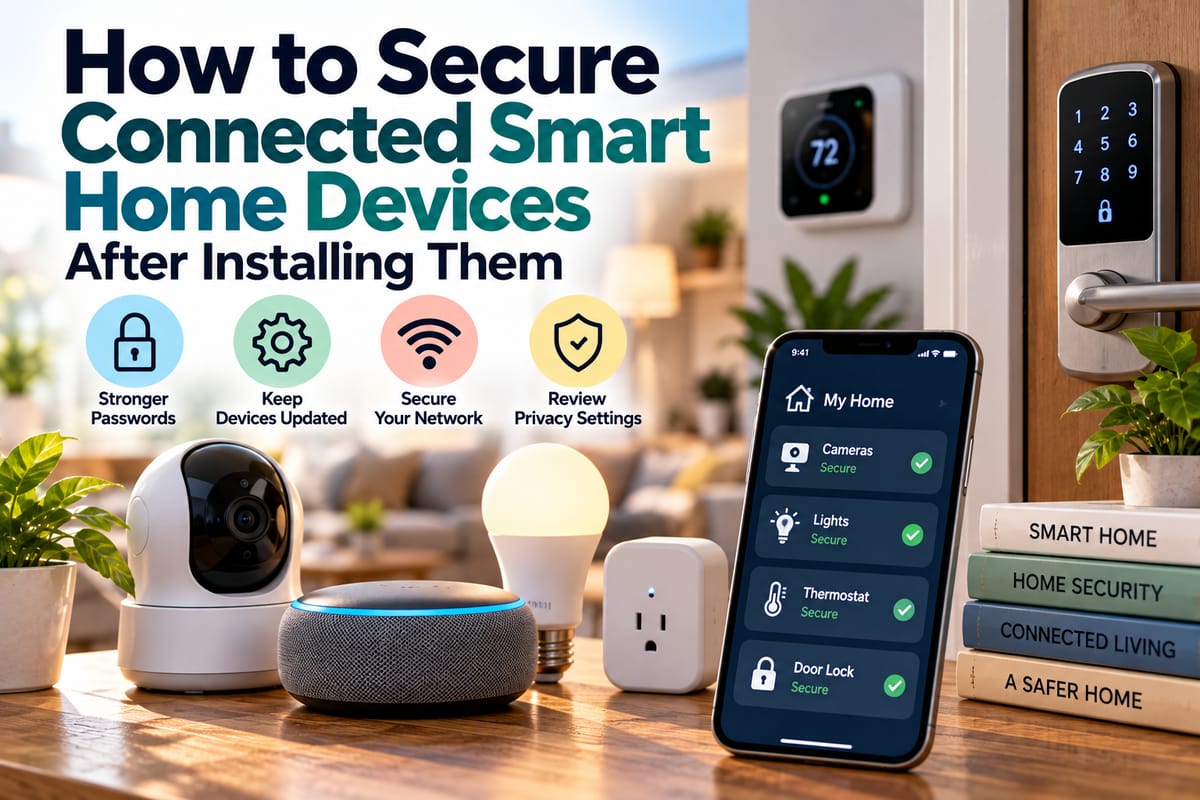
How to Secure Connected Smart Home Devices After Installing Them
Installing smart home devices can make everyday life more convenient, but connecting cameras, speakers, thermostats, locks, lights, appliances, and other devices to a home network also creates new security considerations.
A smart device may collect information, communicate with cloud services, connect to other devices, or provide access through a mobile application. If its security settings are overlooked after installation, an otherwise useful device can become an unnecessary point of exposure.
Securing connected devices does not have to be complicated. A few practical steps, performed soon after installation and maintained over time, can significantly improve the security of a connected home.
Why Smart Home Security Matters After Installation
The installation process is often focused on getting a device working. Users connect it to Wi-Fi, create an account, pair it with an app, and begin using its features.
Security can become an afterthought.
However, the initial setup is only the beginning. A device may continue receiving software updates, storing account information, communicating with external services, and interacting with other devices throughout its useful life.
A broader understanding of smart homes helps put these individual devices into context. A connected home is not simply a collection of gadgets; it is an ecosystem in which devices, networks, accounts, applications, and cloud services can interact.
Change Default Passwords and Credentials
One of the first things to check after installing a connected device is whether it uses default login credentials.
If a device came with a preset password, change it during setup if you have not already done so.
Good passwords should be:
- Unique to the device or account
- Difficult to guess
- Long enough to resist common guessing attempts
- Not based on easily available personal information
- Different from passwords used for other important accounts
Avoid reusing the same password across multiple smart home accounts.
If one account becomes compromised, password reuse can make it easier for an attacker to access other services.
Enable Multi-Factor Authentication
If the manufacturer’s app or online account supports multi-factor authentication, consider enabling it.
Multi-factor authentication adds another verification step beyond a password. Depending on the service, that may involve an authenticator application, security key, or another approved verification method.
This can provide an additional layer of protection if an account password is exposed.
Smart home accounts deserve the same level of attention as other important online accounts, particularly when they control devices such as cameras, door locks, alarms, or garage doors.
Update Device Firmware Regularly
Manufacturers may release firmware updates to address security vulnerabilities, improve reliability, or add functionality.
Check whether the device supports automatic updates and whether that feature is enabled.
For devices that require manual updates, establish a routine for checking the manufacturer’s application or device settings.
Pay particular attention to:
- Security updates
- Firmware updates
- Mobile application updates
- Router firmware
- Smart home hub updates
- End-of-support announcements
An older device that no longer receives security updates may eventually become more difficult to protect.
Secure the Home Wi-Fi Network
Smart devices depend heavily on the security of the network to which they connect.
A compromised or poorly configured home network can affect multiple connected devices at once.
Use a strong Wi-Fi password and modern wireless security settings supported by your router.
It is also worth changing the router’s default administrator credentials if they have not already been changed.
For a deeper look at the network side of connected homes, the Complete Guide to Smart Home Networking provides useful context about how smart devices communicate and depend on network infrastructure.
Consider a Separate Network for Smart Devices
Some routers allow homeowners to create a guest network or separate network specifically for connected devices.
This can help reduce the extent to which smart home equipment interacts directly with computers, phones, and other personal devices.
For example, a home might have:
- A primary network for personal computers and phones
- A separate network for smart TVs and entertainment equipment
- A dedicated or guest network for compatible IoT devices
The exact configuration depends on the router and devices involved.
Network separation is not a substitute for securing individual devices, but it can provide another layer of protection.
Review Device Permissions
Smart home applications may request permissions to access information or functions on a smartphone.
Depending on the device, an application might request access to:
- Location
- Bluetooth
- Local network
- Microphone
- Camera
- Notifications
- Contacts
- Storage
Review these permissions periodically and consider whether each one is necessary for the device to function.
A smart thermostat, for example, may have legitimate reasons to use location information for certain features, while another application may not need the same level of access.
Limiting unnecessary permissions can reduce the amount of information an application can access.
Review Cloud and Account Settings
Many smart devices depend on cloud accounts to provide remote access and synchronization.
Open the manufacturer’s application and review the available account settings.
Look for options involving:
- Remote access
- Connected users
- Shared accounts
- Login history
- Notifications
- Data collection
- Voice control
- Location services
- Device sharing
- Third-party integrations
Remove accounts belonging to people who no longer need access.
This is especially important when smart locks, cameras, alarms, or other security-sensitive devices are involved.
Be Careful With Device Sharing
Smart home platforms often make it possible to share devices with family members, guests, contractors, or other users.
Sharing can be convenient, but it should be managed carefully.
Before granting access, consider:
- What the person actually needs to control
- Whether access can be limited
- How long the access should remain active
- Whether the person needs full account access
- How access can be revoked later
Avoid giving everyone the highest available permission level simply because it is convenient.
Secure Smart Cameras
Connected cameras deserve particular attention because they can capture sensitive information about a home and its occupants.
After installation, review:
- Account security
- Passwords
- Multi-factor authentication
- Camera-sharing permissions
- Cloud storage settings
- Recording retention
- Notification settings
- Microphone access
- Remote viewing permissions
- Firmware updates
Place cameras thoughtfully as well. Security is not only about preventing unauthorized access; it is also about deciding what information the device should collect in the first place.
A camera does not necessarily need to record every area of a home.
Secure Smart Locks and Security Devices
Smart locks, alarms, garage controllers, and other security-related devices require careful configuration because they can affect physical access to a property.
Use strong account credentials and keep associated applications updated.
Review who has access and remove old users when they no longer need it.
If the device provides activity logs, periodically review them for unfamiliar activity.
It is also worth understanding the device’s manual override or emergency access procedure. A security device should remain usable when internet connectivity, power, or an application is temporarily unavailable.
Review Voice Assistant Settings
Voice assistants can connect multiple smart home devices and make control extremely convenient.
However, voice commands may also interact with sensitive functions depending on how the system is configured.
Review settings for:
- Voice purchasing
- Personal results
- Voice recordings
- Device control
- Recognized users
- Connected services
- Routines and automations
Consider whether voice commands should be permitted to control security-sensitive devices such as locks or garage doors.
The appropriate configuration depends on the platform and household circumstances.
Check Smart Home Integrations
One connected device may communicate with several other platforms.
For example, a smart door sensor might trigger lights, a camera, an alarm, and a notification.
This convenience creates an interconnected environment in which a problem with one account or integration could potentially affect multiple functions.
Understanding Smart Home Integration and Compatibility provides useful background on how connected devices and platforms work together.
Review integrations periodically and remove services that are no longer needed.
The fewer unnecessary connections an account has, the easier it can be to understand and manage the overall system.
Disable Features You Do Not Need
Smart devices often include features that homeowners never use.
Leaving every available feature enabled can increase complexity and potentially expand the device’s exposure.
Depending on the product, consider whether you actually need:
- Remote access
- Public sharing
- Unused integrations
- Unnecessary location services
- Unused microphones
- Guest accounts
- External services
- Automatic routines that are no longer relevant
Disabling unnecessary functions can make the system simpler to manage.
Monitor for Unusual Activity
Security is not something that ends after installation.
Pay attention to unexpected changes such as:
- Unknown devices appearing in an account
- Unexpected login notifications
- Unfamiliar users gaining access
- Strange camera activity
- Unexpected automation behavior
- Devices restarting without explanation
- Unrecognized changes to settings
- Notifications about password changes
Not every unusual event indicates a security breach. Technical problems, software updates, and connectivity issues can also produce unexpected behavior.
However, unfamiliar activity deserves investigation rather than being automatically ignored.
Secure the Mobile Devices Used to Control the Home
Smart home security also depends on the phones, tablets, and computers used to manage connected devices.
If someone gains access to a phone containing smart home applications, they may potentially gain access to those accounts as well.
Use appropriate device protections such as:
- Screen locks
- Biometric authentication
- Updated operating systems
- Application updates
- Secure passwords
- Multi-factor authentication
- Remote device-finding features
Avoid leaving a smart home application permanently accessible on an unattended device.
Be Careful With Third-Party Smart Home Applications
Not every smart home experience comes directly from the device manufacturer.
Third-party applications and services can sometimes integrate multiple platforms, automate routines, or provide additional functionality.
Before connecting a third-party service, consider what permissions it receives and what information it can access.
Review connected services periodically and remove integrations that are no longer necessary.
Keep an Inventory of Connected Devices
As a smart home grows, it can become difficult to remember everything connected to the network.
Create a simple inventory that includes:
| Information | Example |
|---|---|
| Device | Smart thermostat |
| Manufacturer | Device maker |
| Location | Living room |
| Connected network | IoT network |
| Account | Household smart home account |
| Update method | Manufacturer app |
| Security features | MFA, automatic updates |
| Important notes | Controls heating schedule |
An inventory makes it easier to identify forgotten devices, review old equipment, and determine which products need updates.
Replace Devices That Are No Longer Supported
Eventually, some connected devices reach the end of their supported lifespan.
If a manufacturer stops providing security updates, the device may become increasingly difficult to maintain safely.
This does not mean every older device must immediately be discarded. However, end-of-support status should be considered when evaluating the device’s long-term role in the home.
Security-sensitive devices may deserve particular attention because their compromise could have more serious consequences.
Follow a Simple Smart Home Security Routine
A manageable security routine can prevent connected devices from becoming forgotten technology.
After installing a new device
- Change default credentials.
- Enable multi-factor authentication where available.
- Install available updates.
- Review privacy settings.
- Check application permissions.
- Connect the device only to the intended network.
- Review sharing and integration settings.
Every few months
- Review connected users.
- Check for firmware updates.
- Review application permissions.
- Remove unused integrations.
- Check router and network settings.
- Review important device activity.
- Remove devices that are no longer used.
When replacing or giving away a device
- Remove personal information.
- Disconnect it from accounts.
- Revoke shared access.
- Remove associated integrations.
- Perform the manufacturer’s recommended reset.
- Confirm that the device no longer appears in your smart home account.
Build Security Into the Smart Home From the Start
Securing connected smart home devices after installation is an ongoing process rather than a single setup step.
Strong account credentials, multi-factor authentication, updated firmware, secure Wi-Fi, controlled permissions, careful device sharing, and regular monitoring can all contribute to a more secure connected environment.
The broader principles outlined in a Smart Home Security Guide can help homeowners think about security across the entire ecosystem rather than treating each gadget as an isolated product.
As more devices become connected, the most useful approach is to make security part of normal smart home maintenance. A few minutes spent reviewing settings, updating software, and removing unnecessary access can help keep convenience from coming at the expense of privacy and security.